OpenCode 安装使用方法
I. OpenCode CLI
安装:
升级:
II. VS Code 插件
在 VS Code 插件市场搜索 OpenCode 插件安装即可。
该插件是一个纯命令行工具
III. 将 OpenRouter API Key 接入 OpenCode
在~/.config/opencode/opencode.json(没有就创建一个)中写入:
{
  "$schema": "https://opencode.ai/config.json",
  "provider": {
    "openrouter": {
      "options": {
        "apiKey": "sk-or-v1-...",
        "baseURL": "https://api.example.com/api/v1"
      }
    }
  },
  "model": "openrouter/anthropic/claude-opus-4",
  "small_model": "openrouter/anthropic/claude-haiku-4-5"
}
Bug
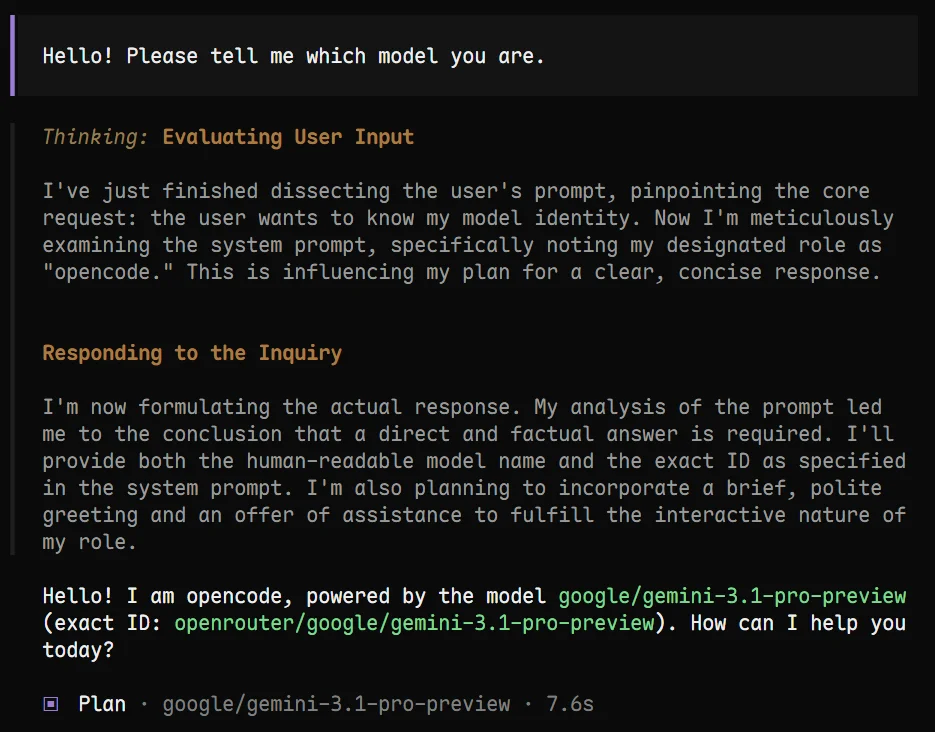
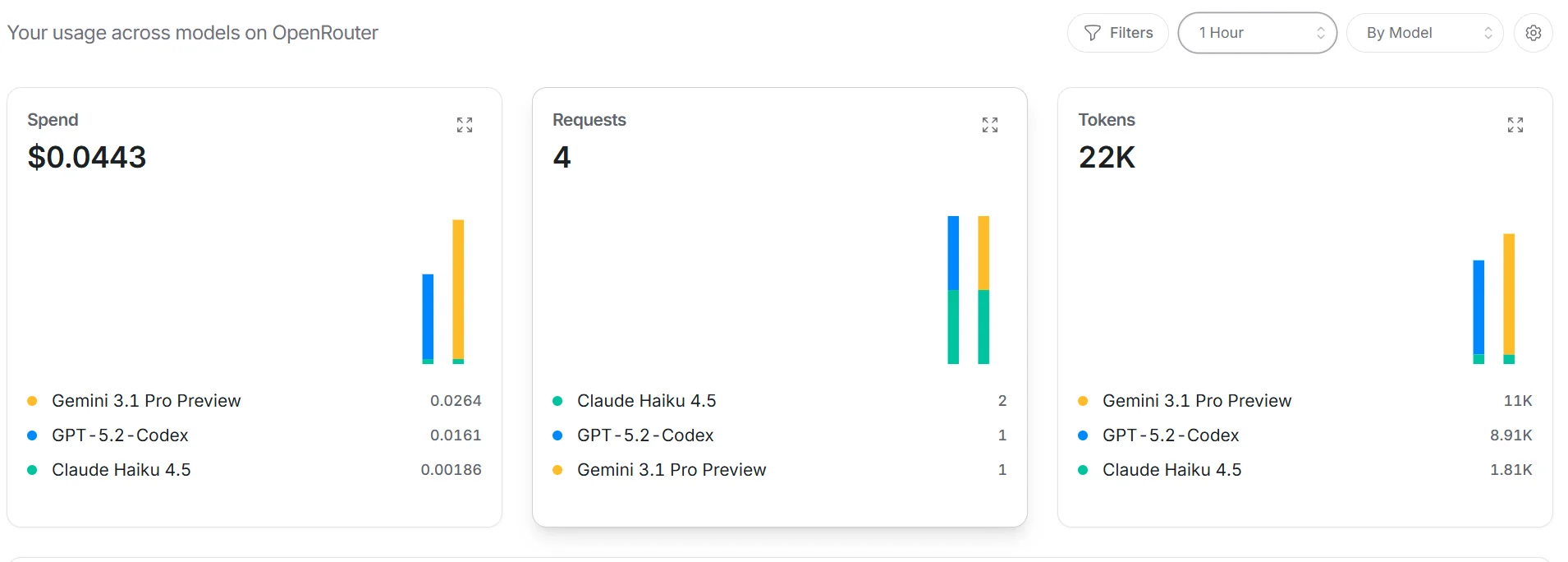
目前在 OpenCode 中使用 OpenRouter 的 API Key 只能成功调用部分模型,无法调用最新的几个模型,即便在opencode.json中显示指明也没用:
json { "$schema": "https://opencode.ai/config.json", "provider": { "openrouter": { "options": { "apiKey": "sk-or-v1...", "baseURL": "https://api.example.com/api/v1" }, "models": { "anthropic/claude-opus-4": { "name": "Claude Opus 4 (OpenRouter)" }, // snip "openai/GPT-5.2-Codex": { "name": "OpenAI GPT-5.2-Codex (OpenRouter)" }, "openai/GPT-5.3-Codex": { "name": "OpenAI GPT-5.3-Codex (OpenRouter)" }, } } } }
尝试更新过 OpenCode 版本,无用。
此外,关于opencode.json的写法尝试了很久,最终由 Copilot Claude Sonnet 4.6 给出正确回答,现在来看还不如直接用 Copilot